EVENT APP
FMS 2026 - SANTA CLARA CONVENTION CENTER, CA
Download our official event app to find your ticket, explore the agenda, connect with the community, and discover speakers — all in one place.
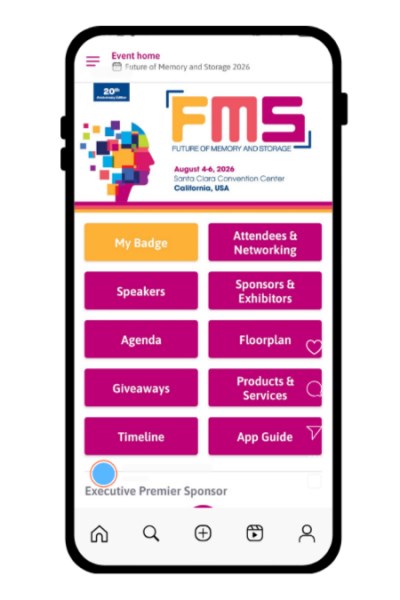
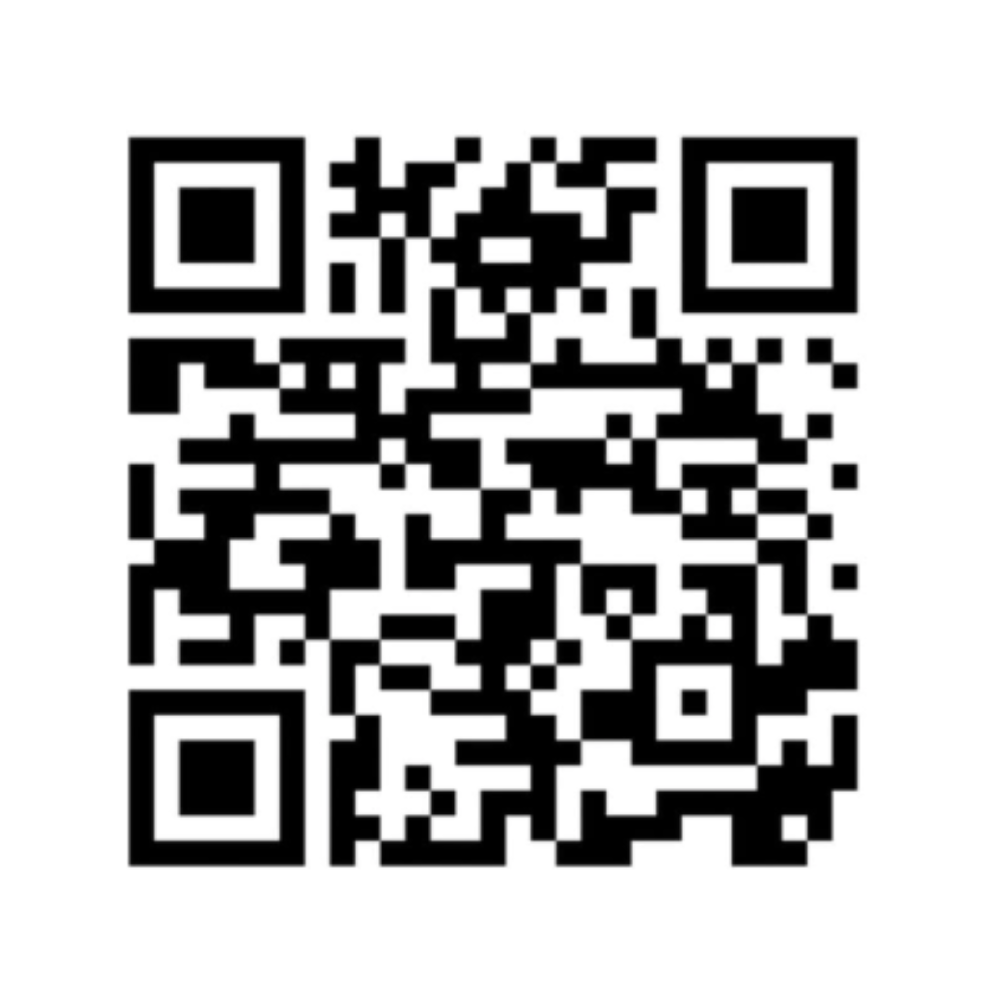
Scan this QR Code to download
Download our events app now with this QR code.
OR
Click
here
to access our web app platform.
App availability
• 5 weeks before : Sponsors & Exhibitors
• 4 weeks before : All other attendees
How to log in
1. Open the Terrapinn Events App
2. Tap Login as Participant (top right)
3. Enter the email you used to register
4. Create your password
5. Look out for your activation email (15–20 mins)
What you can do
• View agenda, floorplan, speakers
• Explore exhibitors & sponsors
• Build a personalised agenda
• Connect & book meetings (Full App Access)
Delegate App Access
Full App Access
Unlock the full networking power of the app for a seamless, fully interactive experience.
- See and connect with all attendees & speakers
- 1-to-1 meeting scheduling
- Message anyone in the app
- Access to all features
Limited App Access
Help you navigate the event and access essential information.
- Agenda, floorplan, sponsors & exhibitors
- View and message exhibitors
- No networking (can’t message / connect) with delegates or speakers
Have not registered for FMS 2026?
1. Click here to register now!
2. Wait 15-20 minutes - you will be sent an email from info@terrapinn.com, click the button in the email to access the platform. Do check your other folders.



Exhibitor App Access
Premium Full App Access
- Access to attendee list
-
Lead capture
- badge scanning
- leads export
- Unrestricted networking & meeting booking
-
Enhanced presence
- add & showcase your products
- brand & edit your company profile (videos/ images/ doc/ links)
- supporting materials
- Team & meeting management via Exhibitor Centre
Basic Exhibitor App Access
- Exhibitor listing (company is listed on the exhibitor page with your logo and a descriptive bio)
- Agenda & floorplan access
How-to guides
Logging on & Personalising Agenda
Networking and Badge Scanning
Exhibitors: How to Guide
Tips
- To access the platform on desktop, you have to use a recent browser such as Google Chrome or Mozilla Firefox.
- The link sent from info@terrapinn.com will take you to your default browser. If this isn’t Chrome or Mozilla, you will need to right click on the link, copy the link, and paste into Chrome or Mozilla browser.
Created by


Terrapinn is proud to be a member of isla.
Working together to build sustainable events